Use the glossary to clarify a research question
Psychoanalytic terms often carry different histories and emphases across schools, languages and authors. PEP’s glossary brings entries from six established sources into one searchable destination:
- The Language of Psychoanalysis — Laplanche and Pontalis;
- Edinburgh International Encyclopaedia of Psychoanalysis — Skelton;
- Glossary of Psychoanalytic Terms and Concepts — Moore and Fine;
- Dictionary of Kleinian Thought — Hinshelwood;
- Psychoanalytic Terms and Concepts — Auchincloss and Samberg;
- EPF Glossary of Psychoanalysis in Europe — Junkers.
The purpose is not to force these definitions into a single answer. It is to let you see how a term is described in its sources and decide which account is most useful for the work in front of you.
Start a standalone search
Open Resources, then select Glossary. The empty page invites you to Search for a term or concept. Enter a term such as `transference`, then select the search control or press Enter.
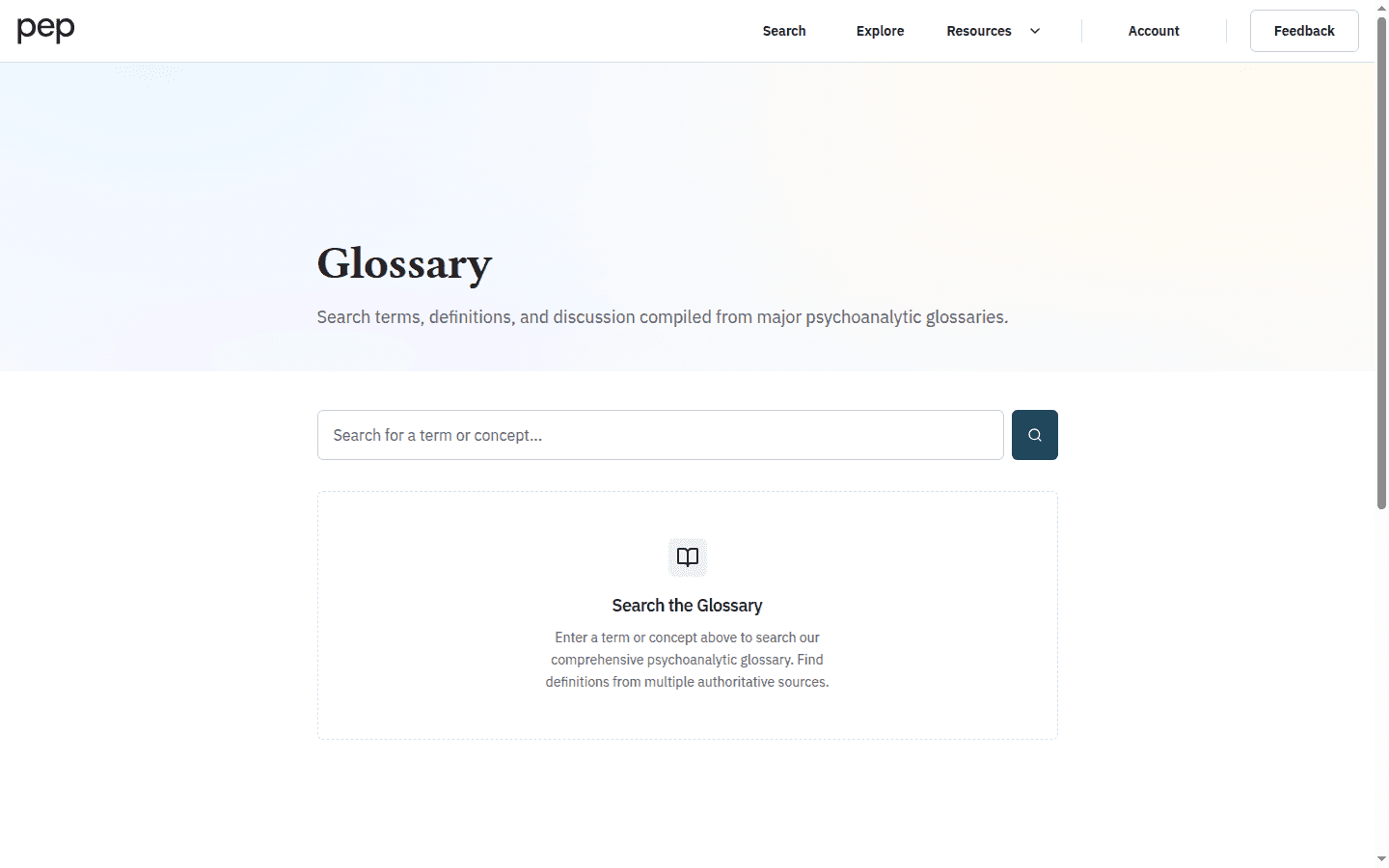
PEP searches the glossary’s term groups and places an exact matching concept first when one is available. If a long phrase produces no result, try the central concept on its own or a recognised alternative term.
Read the result groups
The summary above the results describes the current range and query. Each result card is headed by a concept group, followed by one or more source entries.
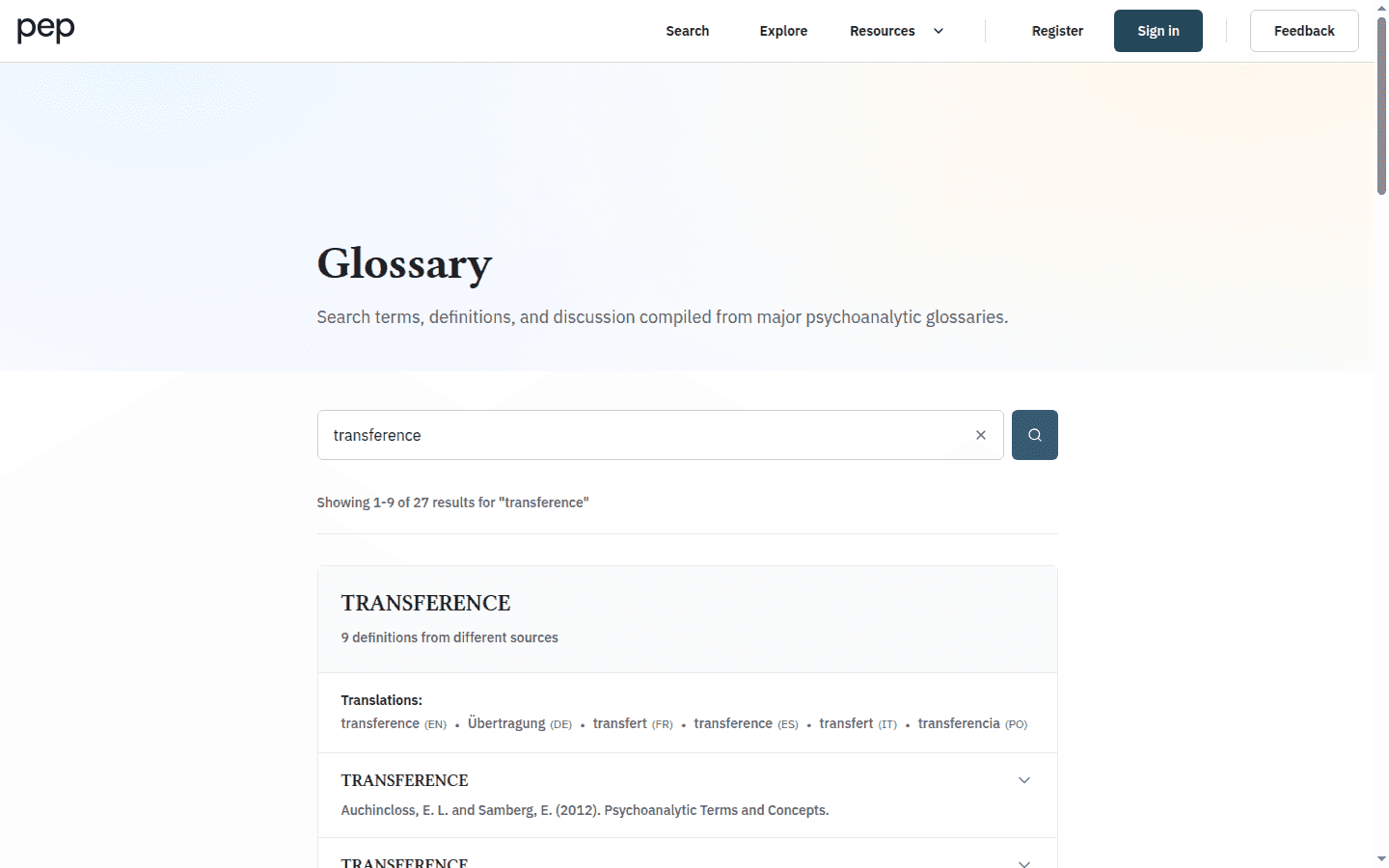
When a group contains several entries, PEP identifies the number of definitions from different sources. This gives you an immediate reason to compare rather than stopping at the first wording.
Compare definitions and sources
On a desktop screen, select a source row to expand its definition. The source name remains visible above the text, helping you distinguish the account you are reading from the neighbouring entries.
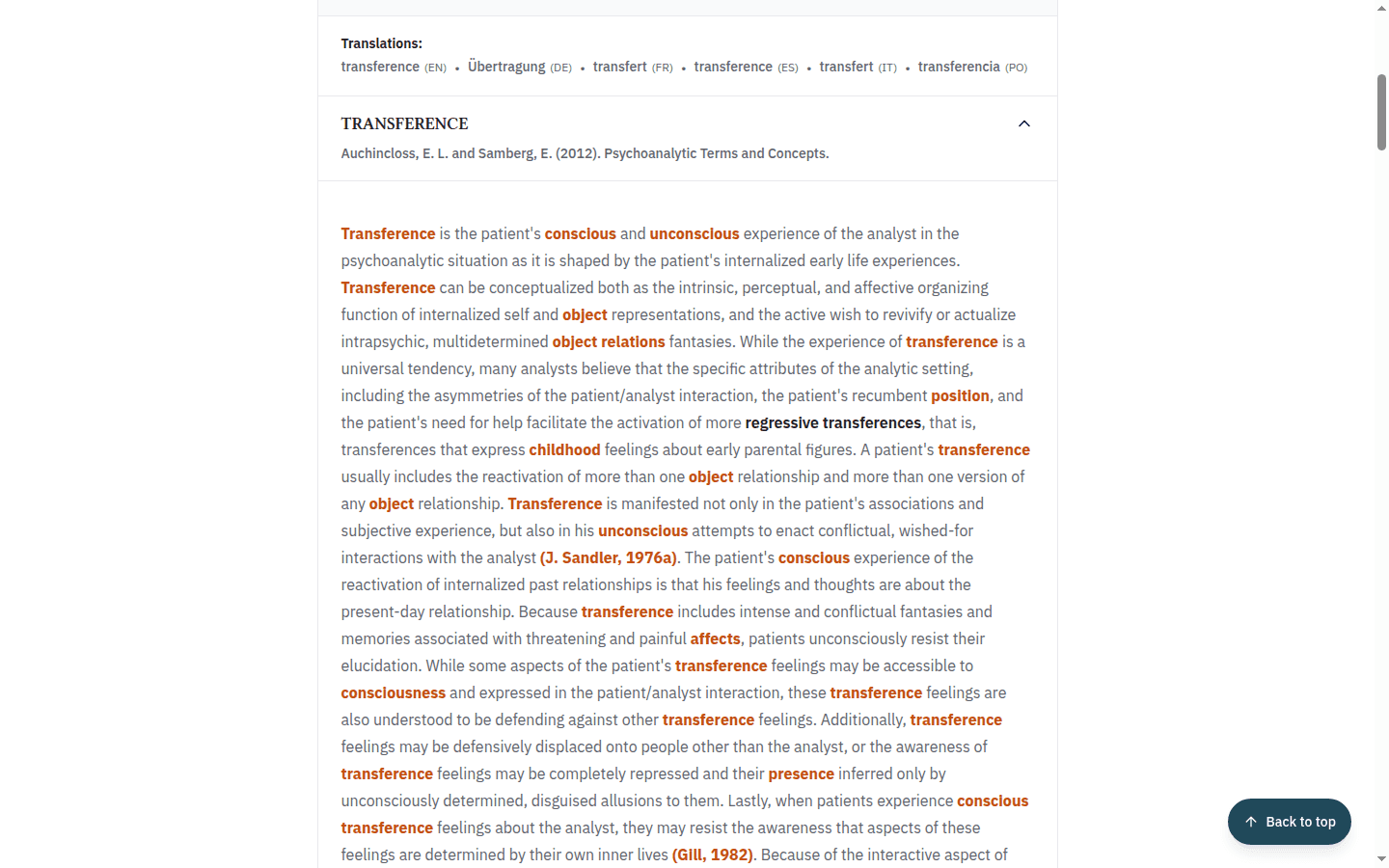
Notice that the number and combination of sources varies by concept. A source label tells you where the entry came from; it does not mean that every dictionary contains a definition for every term.
Use the definition as an orientation, then return to the primary literature when you need an author’s argument or a term’s use in context.
Follow translations and related terms
Some groups include Translations near the group heading or See also beneath a definition. Select a linked term to continue through the glossary.
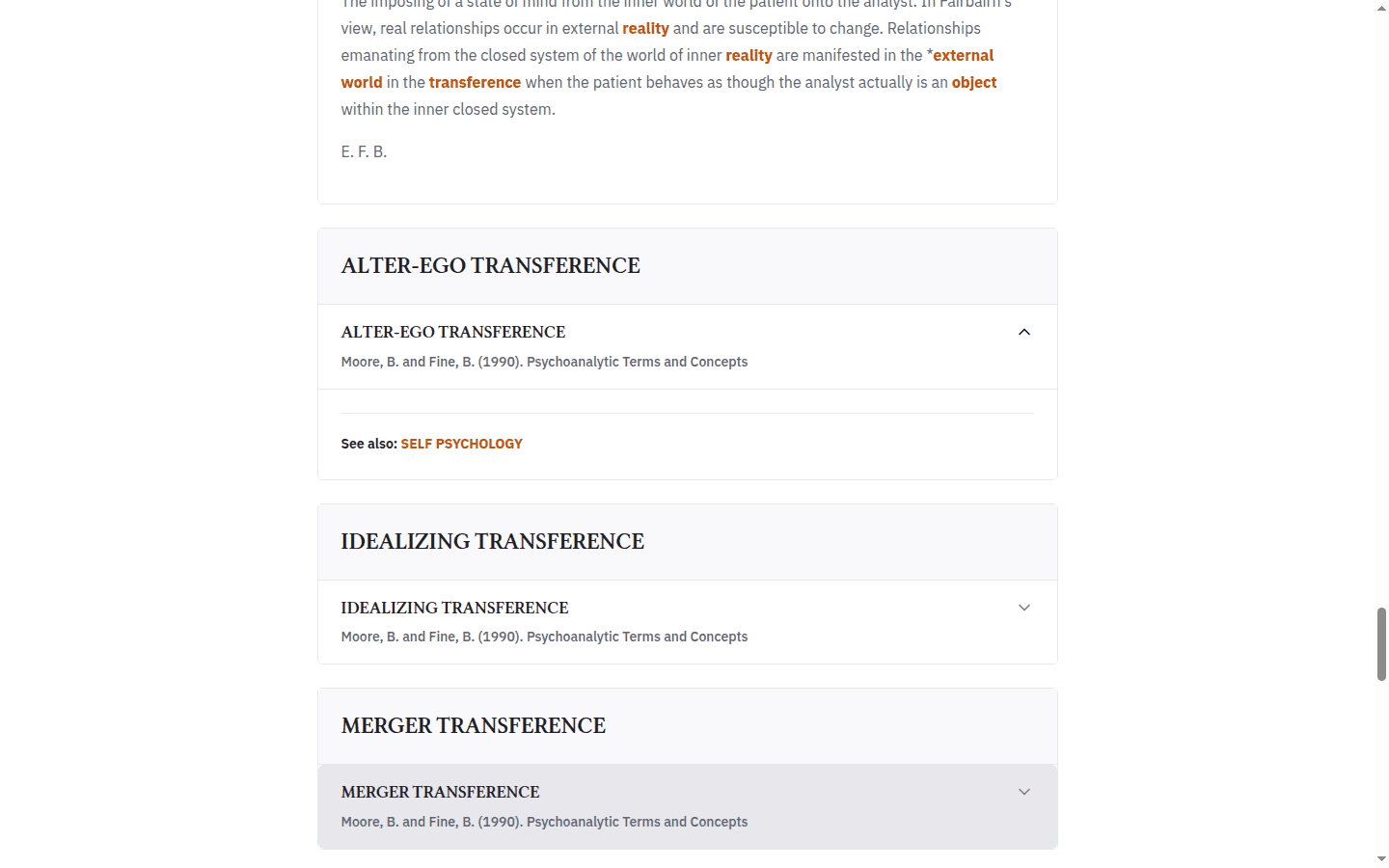
This is useful when two traditions use different language for overlapping ideas, or when your original search points to a more precise concept.
Move from a document to its Concepts
Inside the PEP reader, open Concepts from the left toolbar. The panel lists glossary terms detected in the current document and provides Filter concepts when you need to narrow the list.
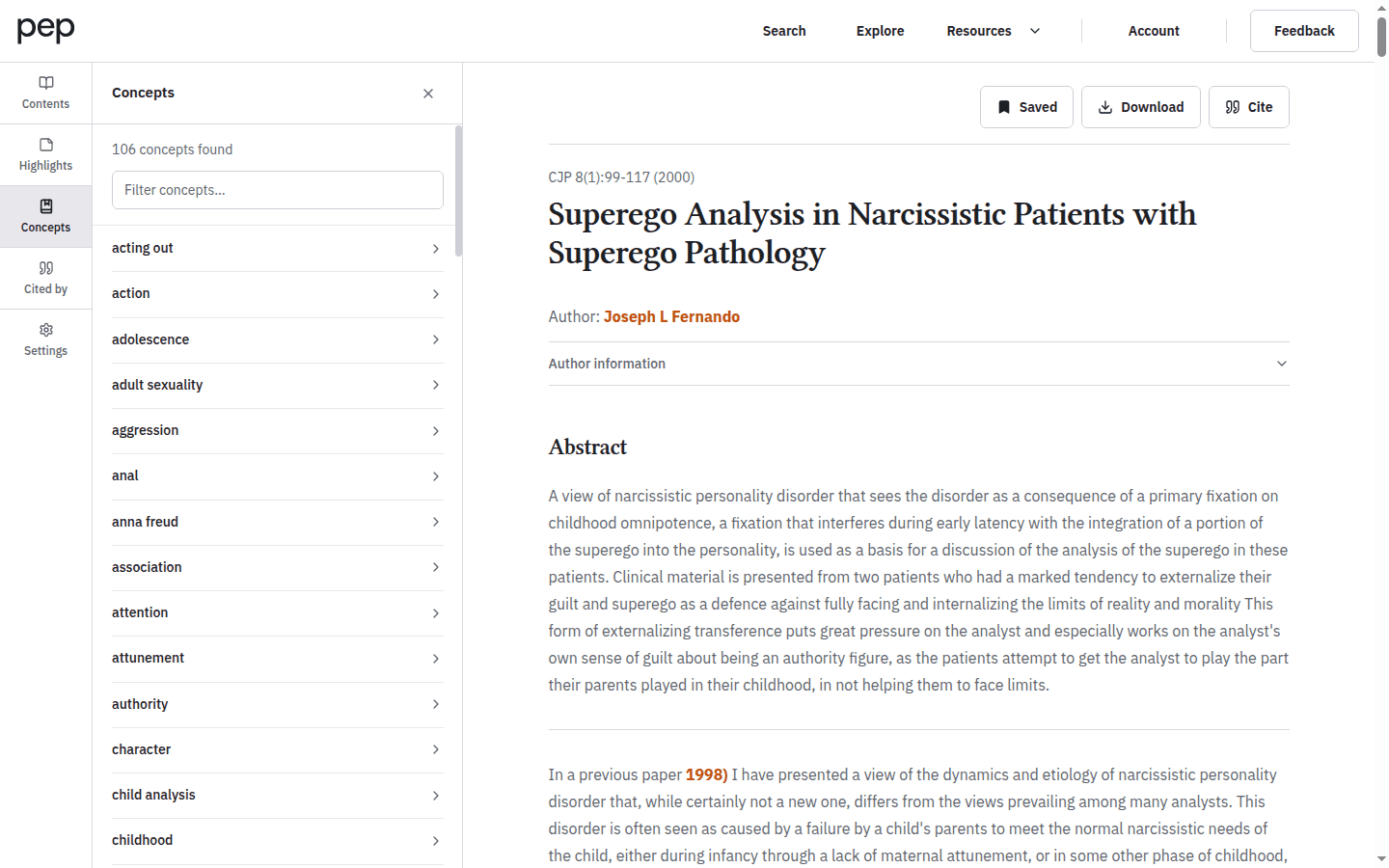
Select a concept to open its glossary search. The panel identifies vocabulary; the destination page contains the source definitions, translations and related terms.
Look up a selected phrase
You can also select words directly in the document. In the floating text-selection toolbar, choose the book-shaped glossary action to search the selected phrase.
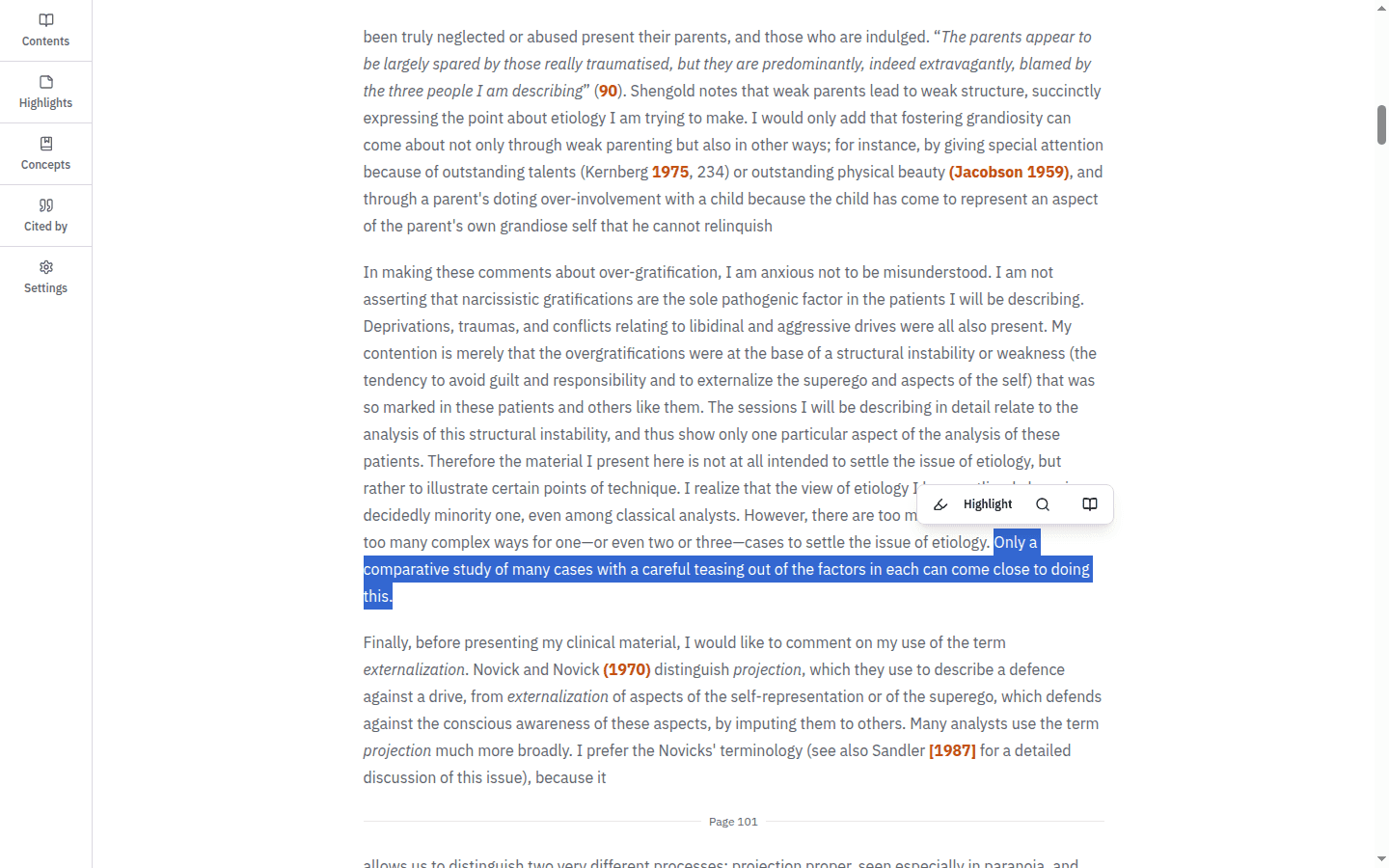
If the selected phrase is too specific, simplify it in the glossary search field. You can now move from reading, to definition, to related terminology and then back to an archive search with a clearer vocabulary.
Next steps
Reading and Navigating a Document explains the other reader panels and text-selection actions. Continue with Searching the PEP Archive to use the vocabulary you have found in a focused query, or Discovering New, Popular and Cited Content to follow citation relationships.