Browse PEP as a library
Search is useful when you can describe what you need. Explore is the better starting point when you want to see how PEP’s collections are organised—much like walking through a physical library and choosing a shelf before selecting a work.
Open Explore from the main navigation. The hub leads to Journals, Books, Videos and Book Previews, with collection information that helps you decide where to continue.
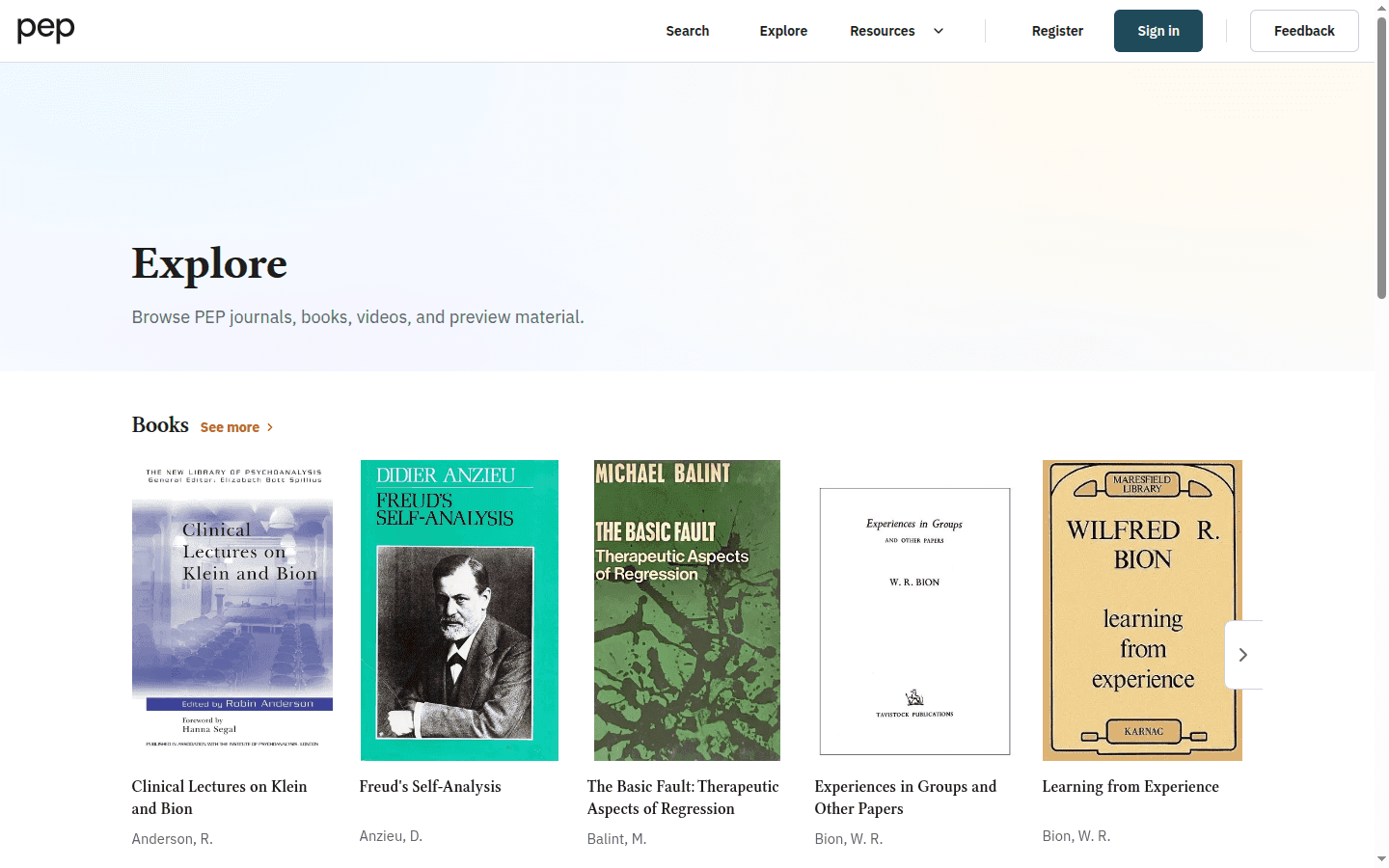
Explore journals
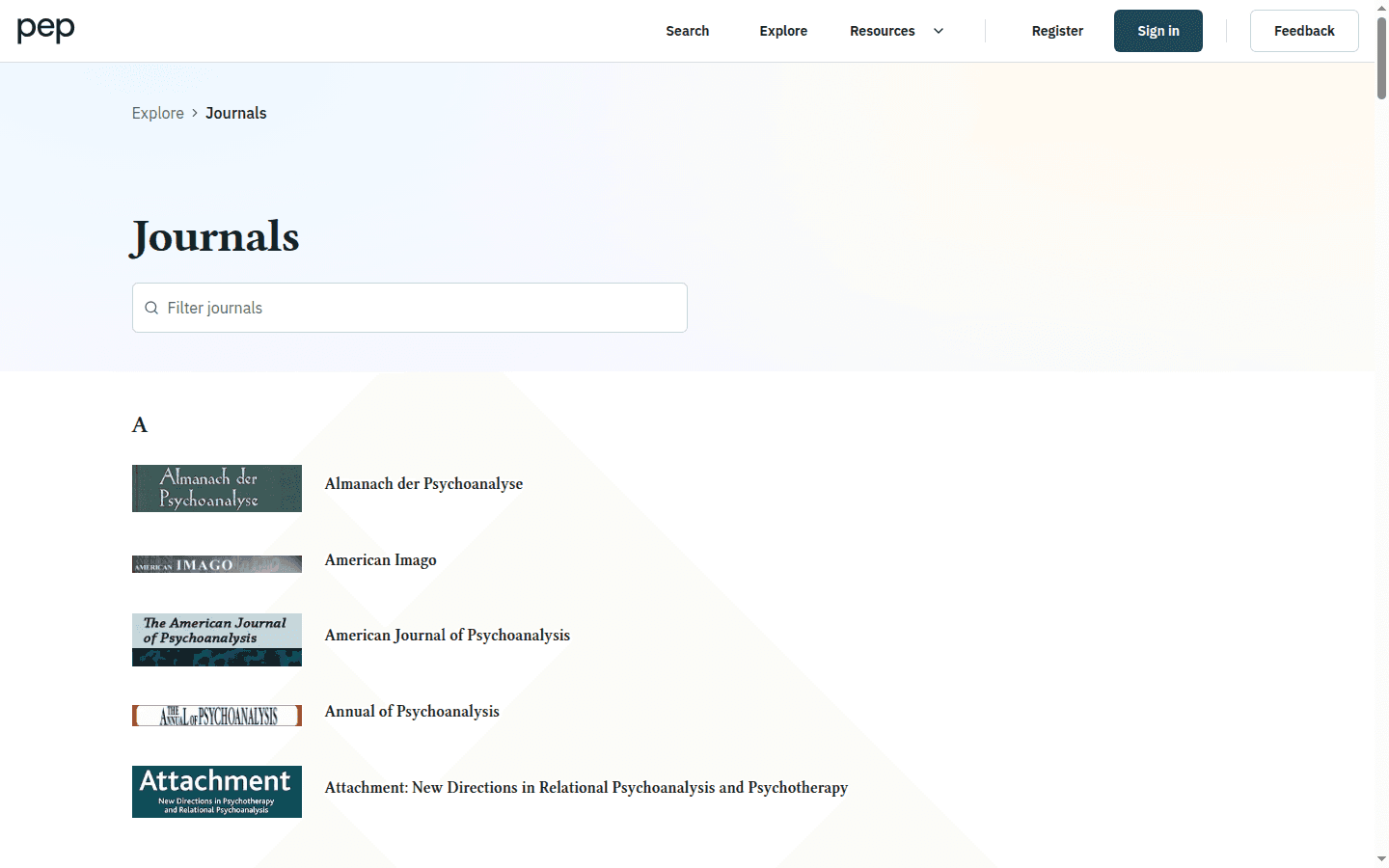
Open Journals to see the journal collection. Use the collection controls to narrow the list when you know part of a publication title, or browse the available cards.
Select a journal to open its publication page. The page groups its archive by volume and year. Open a volume, then choose an issue or contents section to see the records it contains.
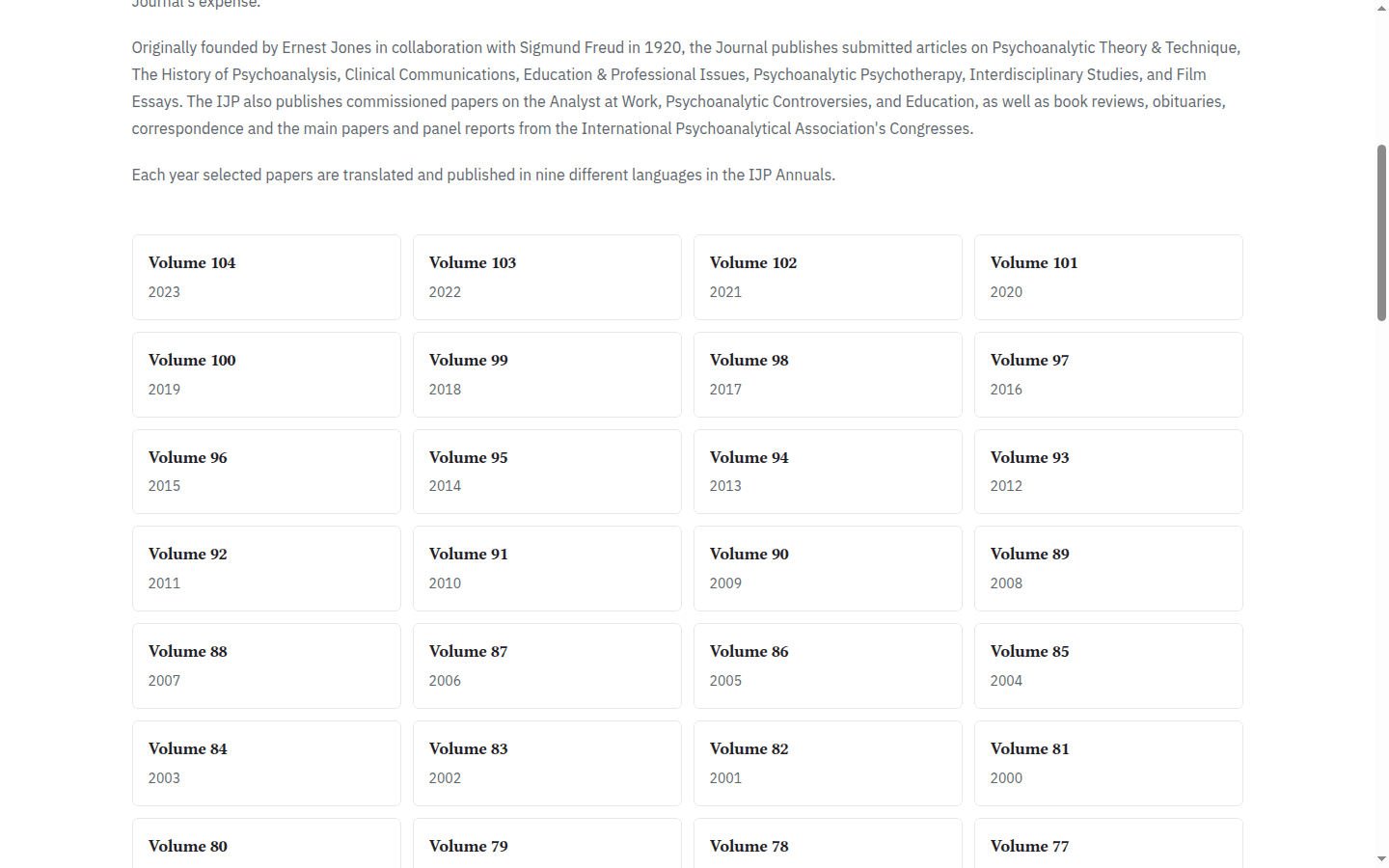
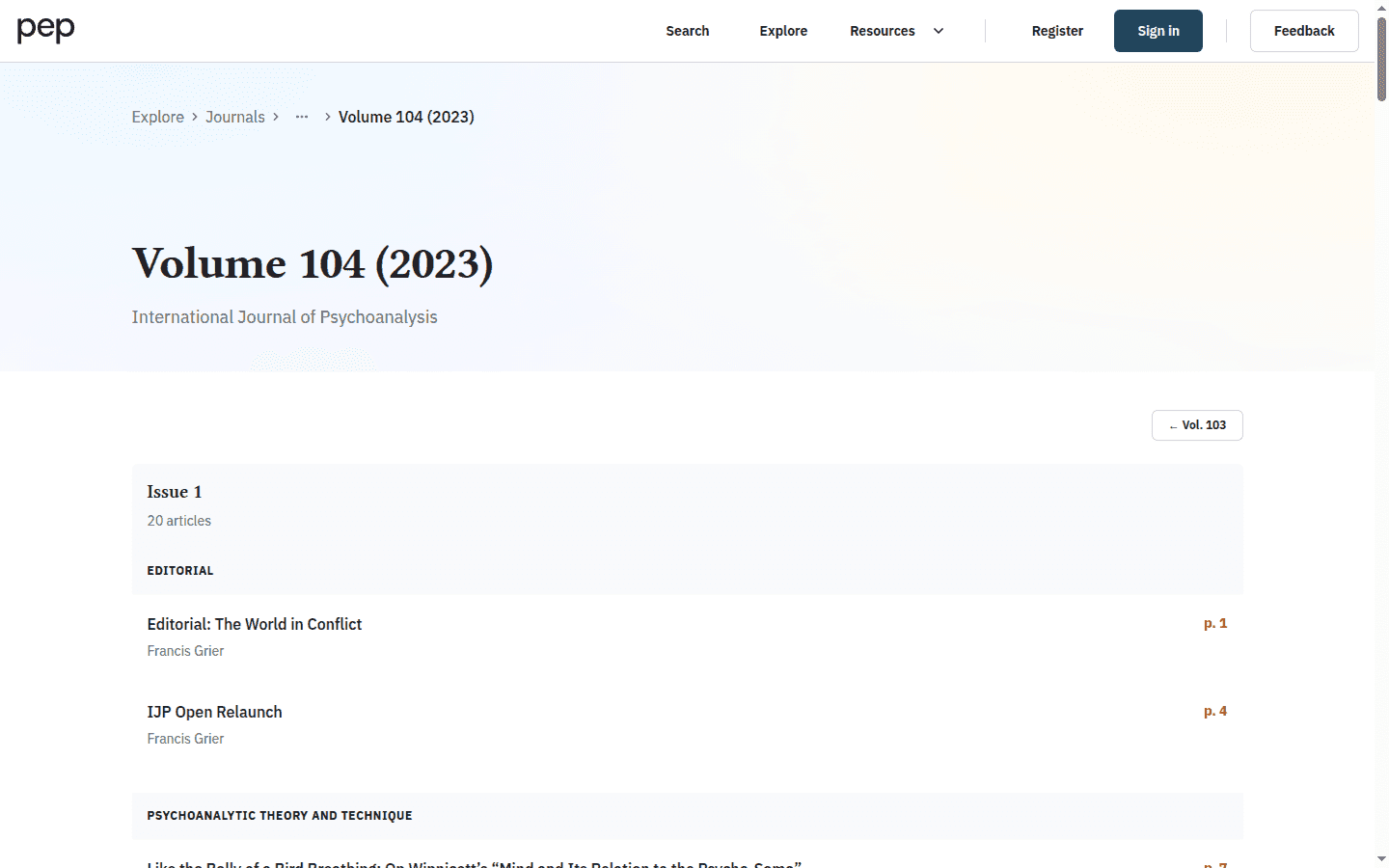
This route is useful when you are following a particular publication, checking an issue or recreating a bibliographic reference.
Explore books and collected works
Open Books to browse book titles and series. You can narrow the collection by title or author, then select a card to open the book page. A book or series page presents its description and available chapters or volumes.
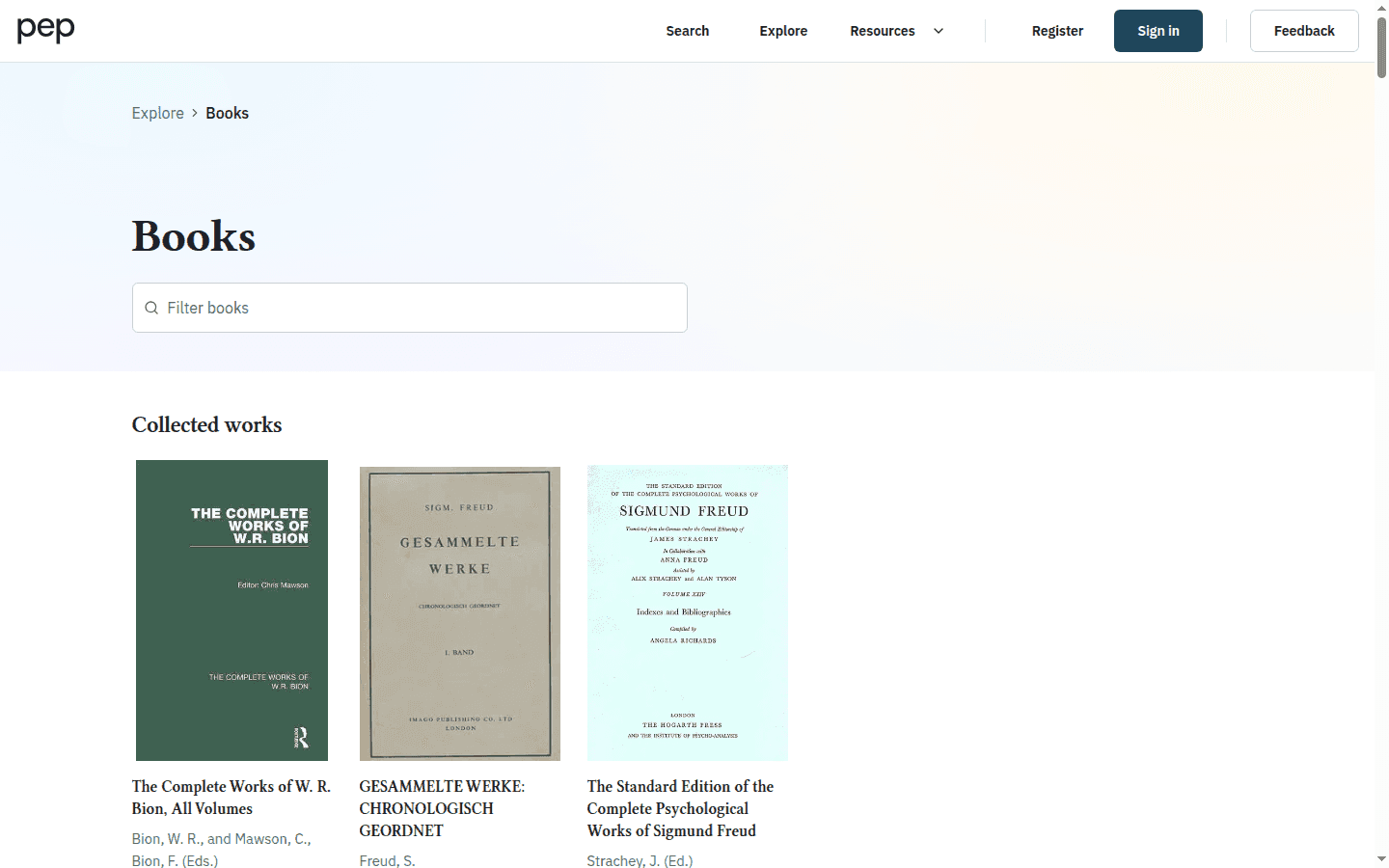
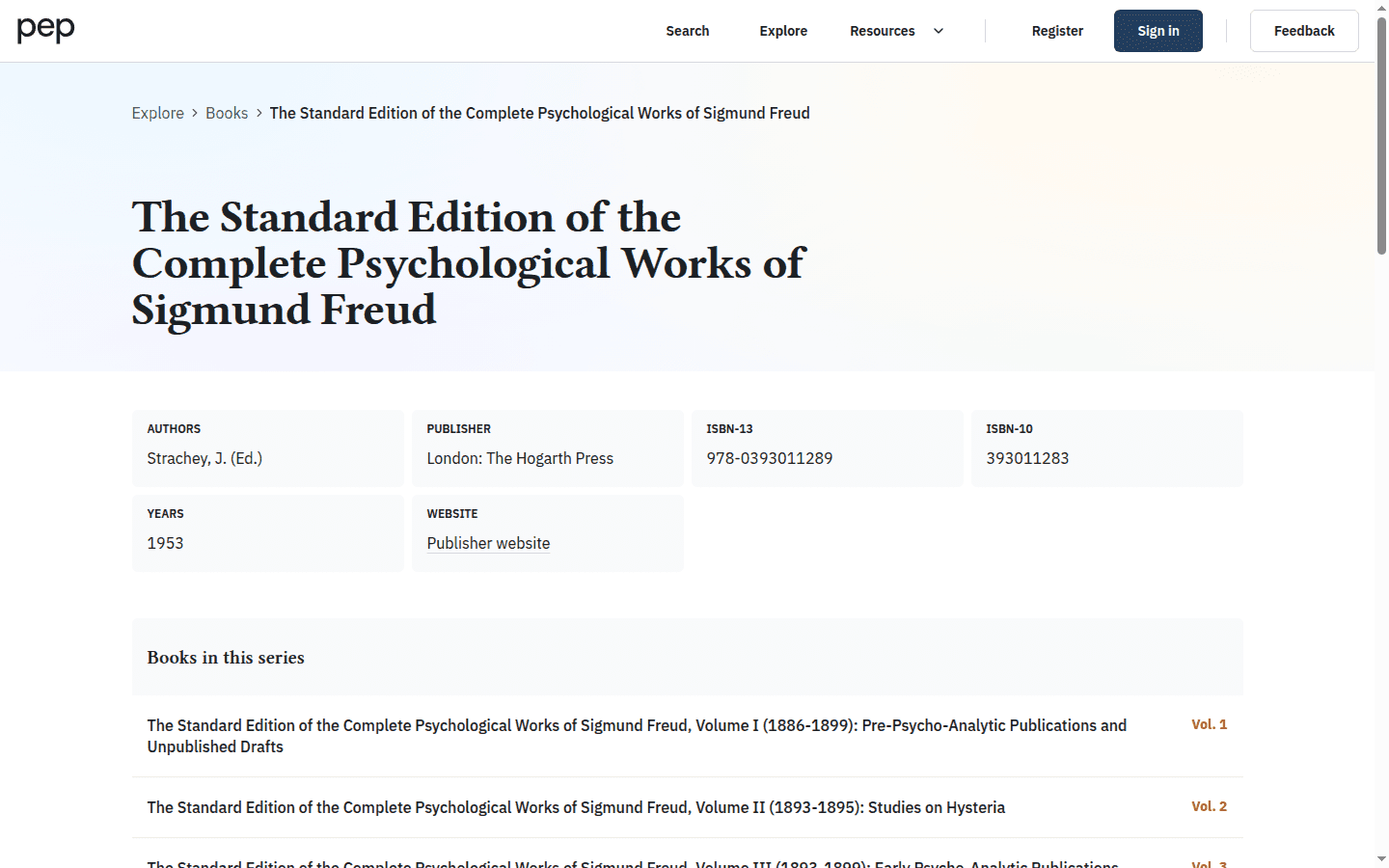
Freud in English and German
PEP provides direct routes to Freud’s Standard Edition in English and the Gesammelte Werke in German. You can open them from the Works section in the footer, from the home-page shortcut or from the Books collection.
Open a volume and select a chapter in the same way as other books. Where concordance data is available, the reader can expose links between corresponding English and German passages. The control is conditional: it appears only for material with a recorded counterpart.
Watch videos and read available transcripts
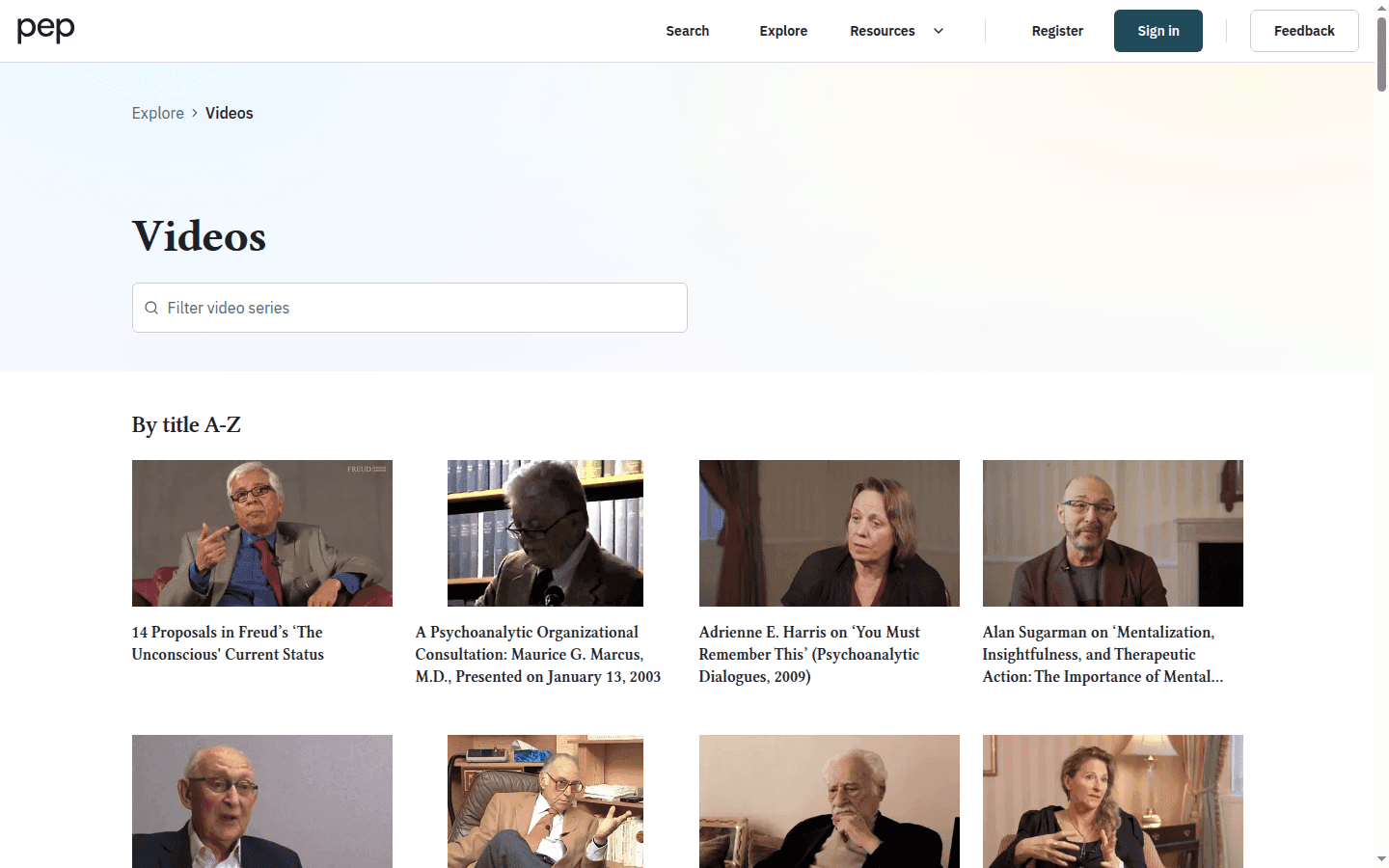
Open Videos to browse PEP’s recorded interviews, lectures and other video material. Select a video to open its page and player.
Open a video record to review its bibliographic information, player and the access state shown for your account. Available controls and supporting text vary by recording.
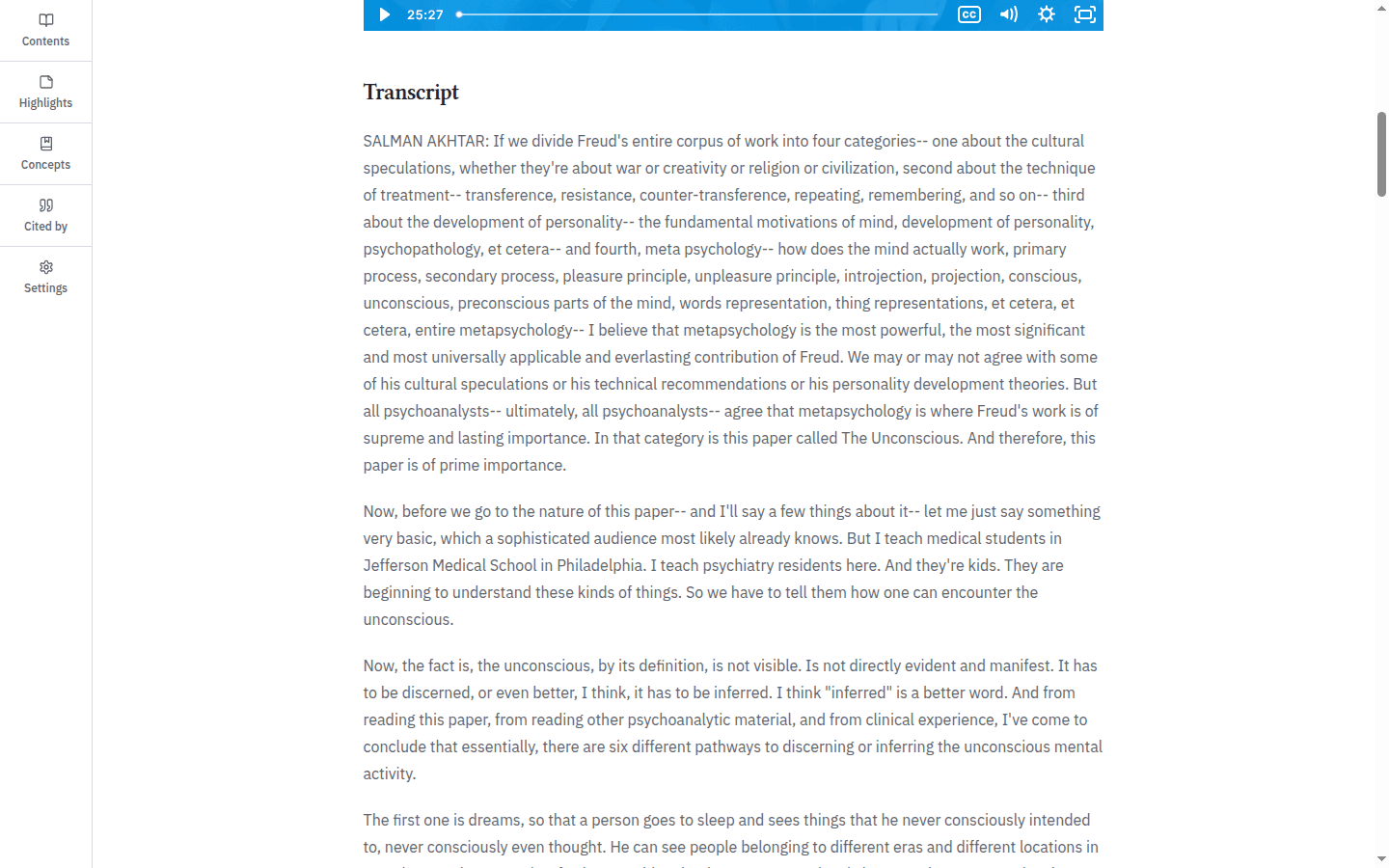
When PEP supplies a Transcript section, it appears below the player as continuous text. Read it alongside the recording to revisit the wording of a passage. Transcript availability depends on the record.
Preview and restricted content
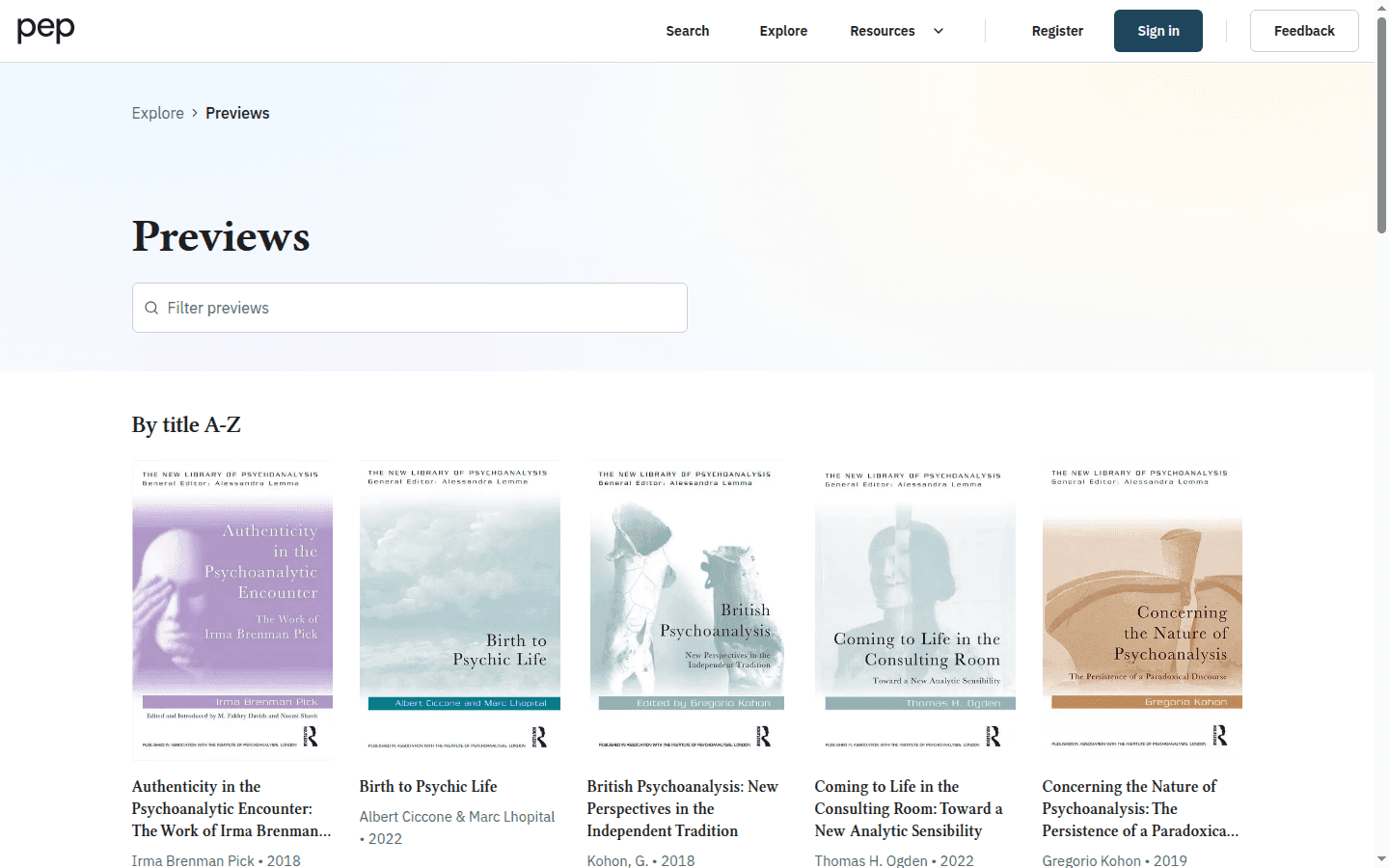
Previews let you inspect selected book material before deciding whether to obtain the complete work. Open Previews from Resources or Explore, then choose a title. The footer names this collection Book Previews.
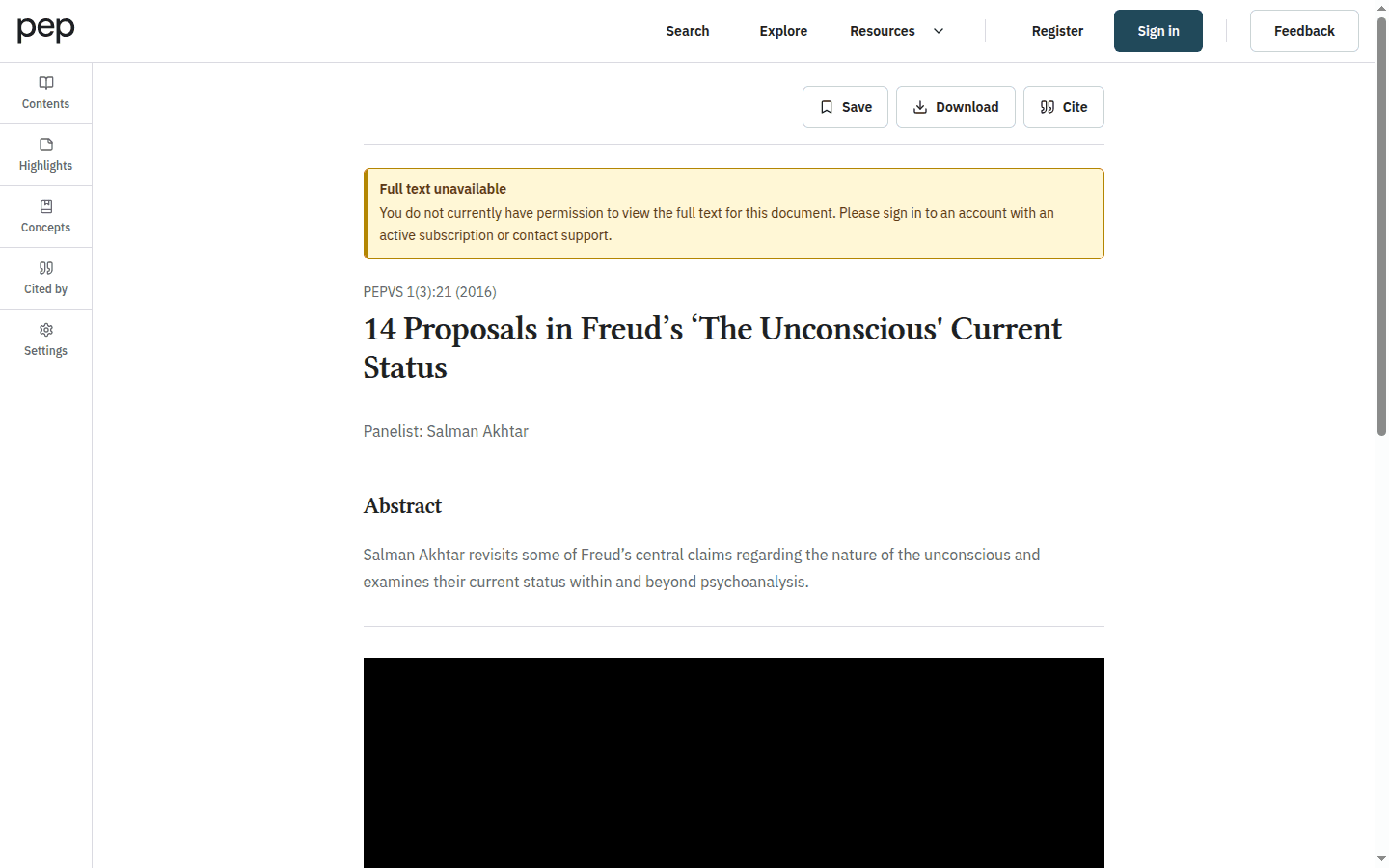
PEP clearly marks content that is unavailable under the current account, subscription or embargo. A preview or bibliographic page may still help you identify the work even when complete text is not accessible.
Video archive background
The video archive supports research, study and teaching with films and searchable transcripts. For the history of the Video Grants and Top Authors projects, and information about contributing a video series, see PEP’s video archive background.
Next steps
Open Reading and Navigating a Document when you are ready to work inside an article or chapter. Downloading and Citing Content explains which formats are available for accessible documents. To find material by concept rather than collection, return to Searching the PEP Archive.