Welcome to the psychoanalytic library
PEP brings journals, books, videos and other psychoanalytic resources together in one place. The size of the archive is one of its strengths, but a quick orientation will help you reach the material you need without feeling overwhelmed.
Let’s begin on the home page. The main Search field is at the centre of the page, with a link to Advanced search just below it. The navigation at the top gives you direct routes to Search and Explore, while Resources opens links to the glossary, statistics, support and the main collections.
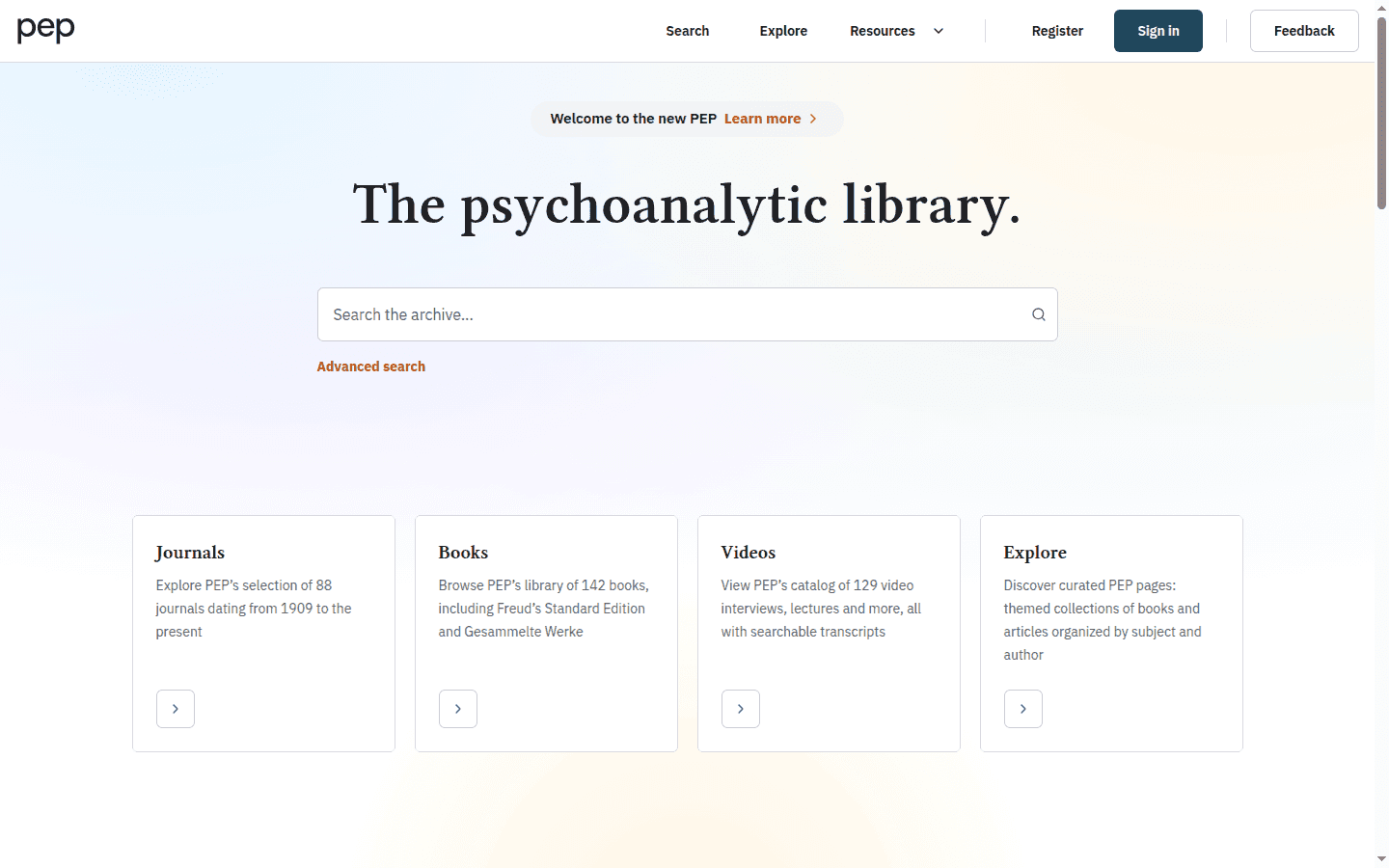
You do not need to sign in to explore the public parts of PEP. Access to complete documents depends on your personal or institutional entitlement, and some recent content may remain subject to an embargo.
Sign in to PEP
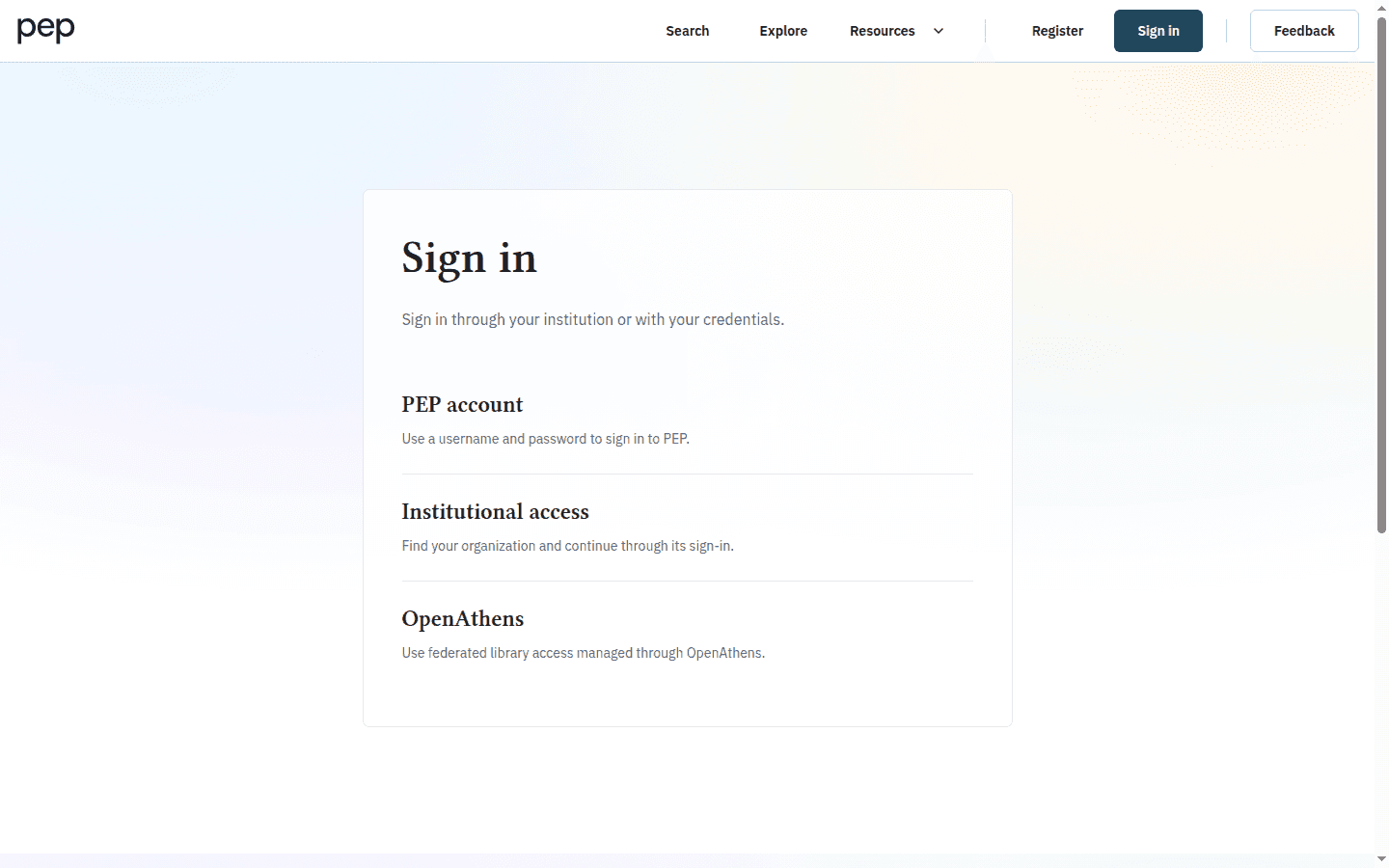
Select Sign in in the header when you want PEP to recognise your access or save research to your account. The first screen offers three methods.
- Select PEP account if you have a PEP username and password.
- Select Institutional access to find your organisation and continue through its sign-in service.
- Select OpenAthens if your library manages access through OpenAthens.
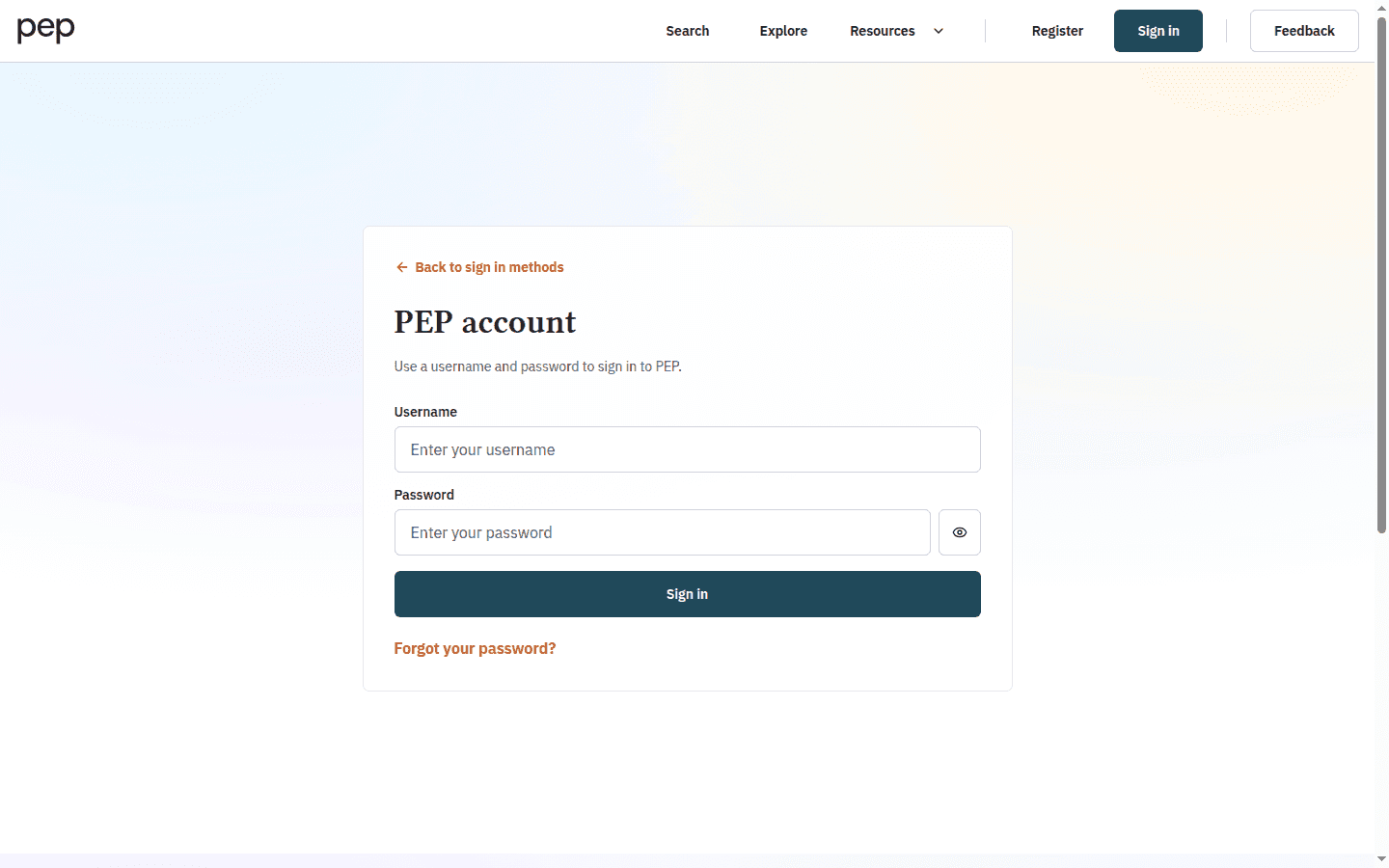
If you select PEP account, enter your Username and Password, then select Sign in. Use Forgot your password? if you need to recover a PEP account. The Back to sign in methods control returns you to the three access choices.
After a successful sign-in, the Register and Sign in links are replaced by your account control. Notice that this is also where My research becomes available.
Find the main destinations
Open Resources when you want to move beyond the primary Search and Explore links. Its menu brings together About PEP, Support, What’s new, Contact us, Legal, Glossary, Most cited, Most viewed and the main book, journal, preview and video collections.
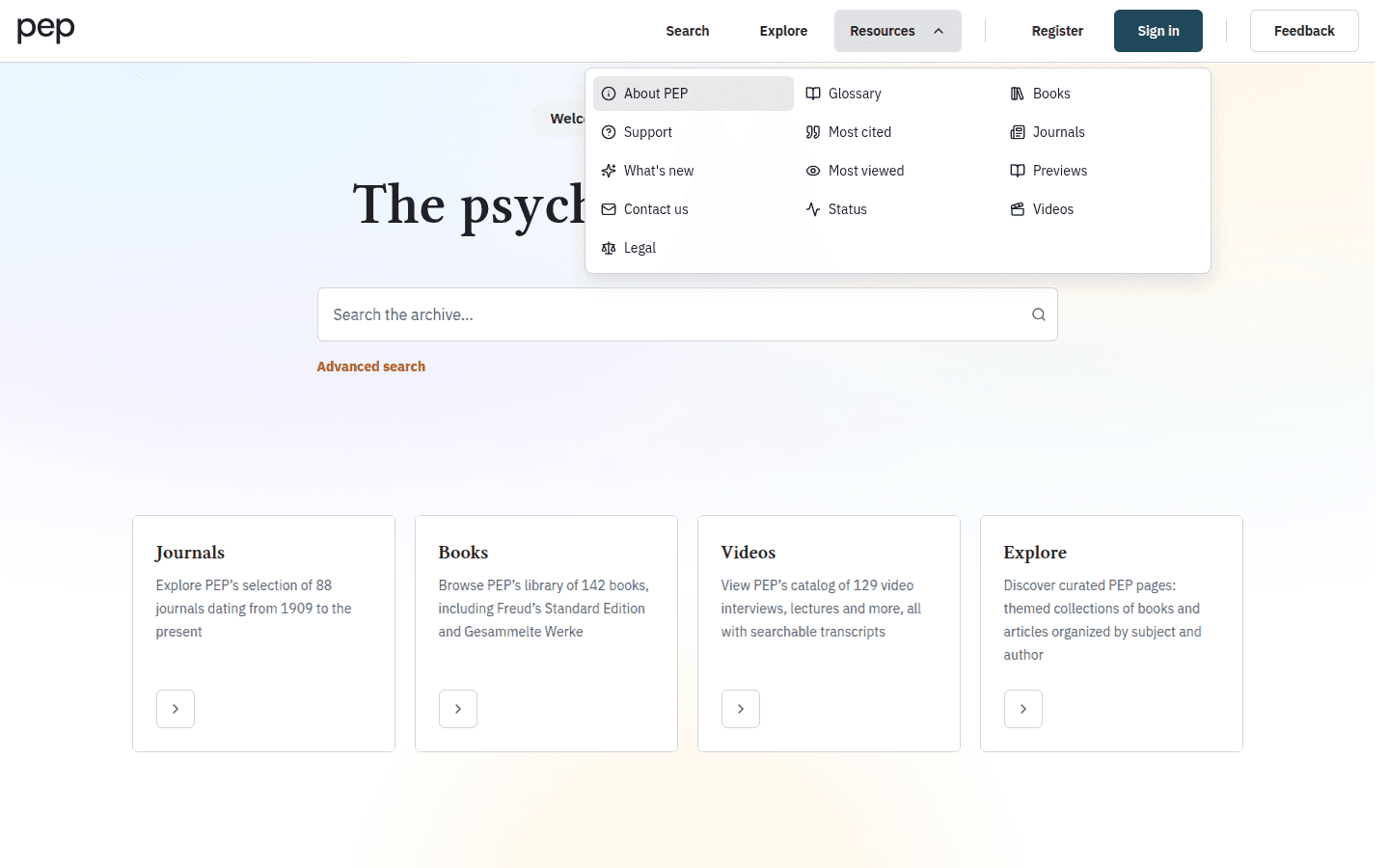
This is useful when you know the kind of task you want to perform but do not yet have a search query. For example, choose Glossary to look up a concept directly, or Most cited to explore documents that have been cited frequently in PEP.
Use your account menu
When you are signed in, open the account control in the header. The menu contains Preferences, My research and Sign out.
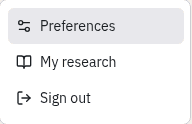
Select Preferences to review the account information associated with the current session. You can check the Access method and whether Archive access is available. Personal values such as the account name and email address are deliberately hidden in this example.
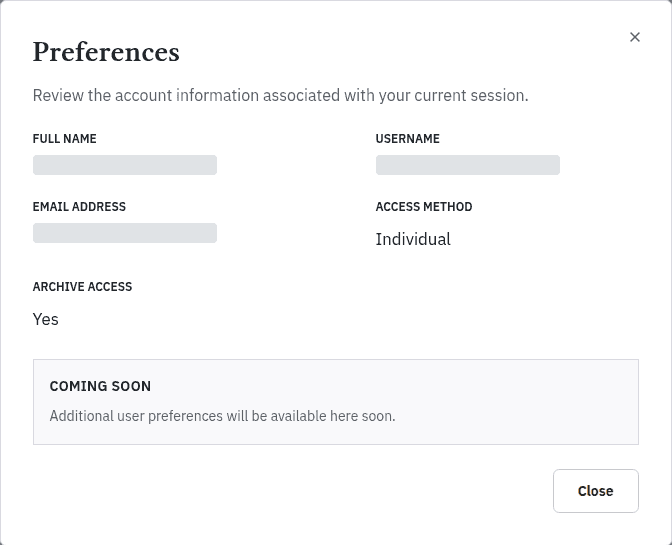
Additional account preferences are marked as coming soon. Reader-specific controls such as text size and reading width are available inside a document under Reader settings instead.
Choose a language and theme
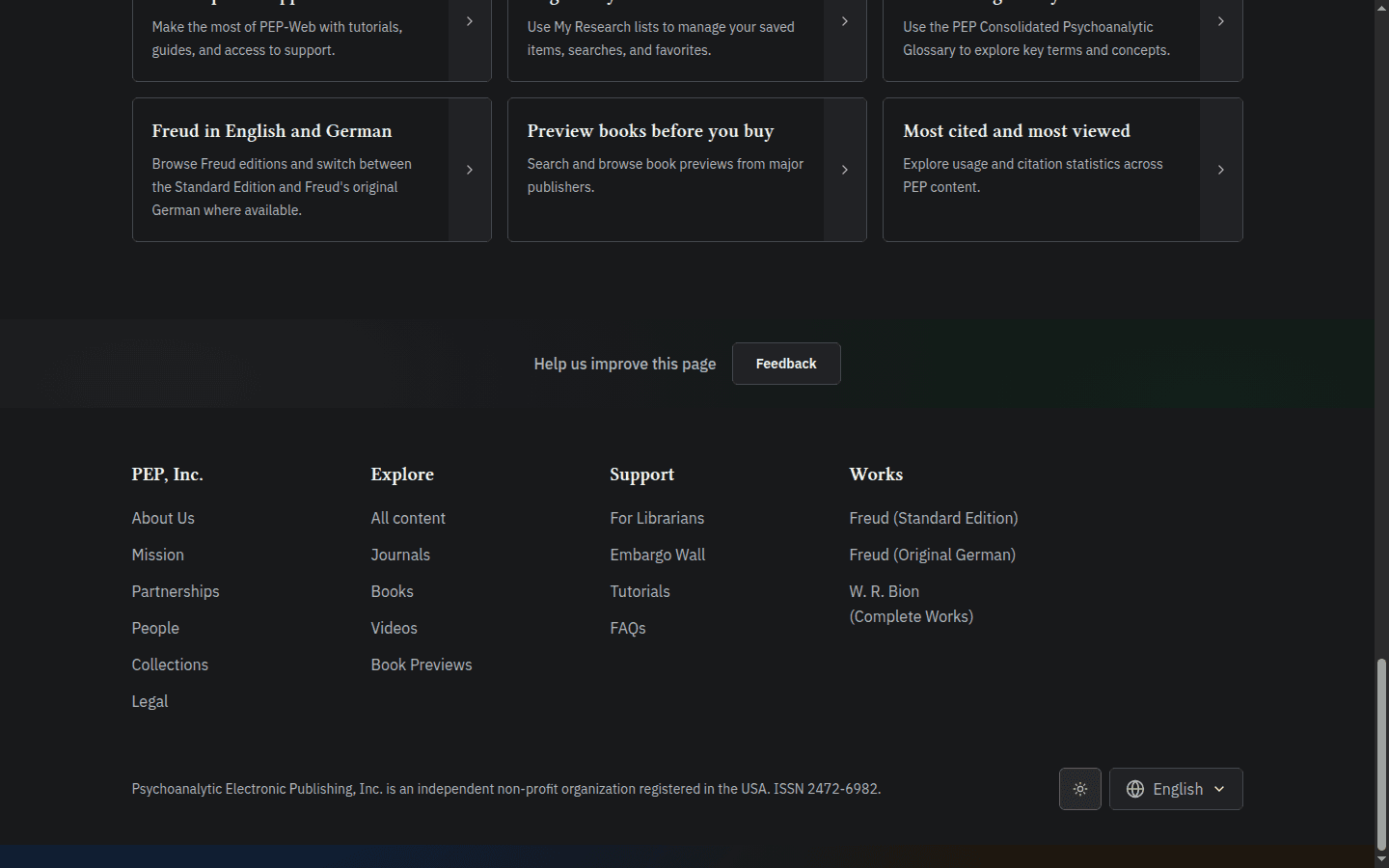
Scroll to the footer to find the display controls. The language selector offers English, German, French, Italian, Spanish and Portuguese. Choosing a language changes translated interface and CMS content where a localisation is available.
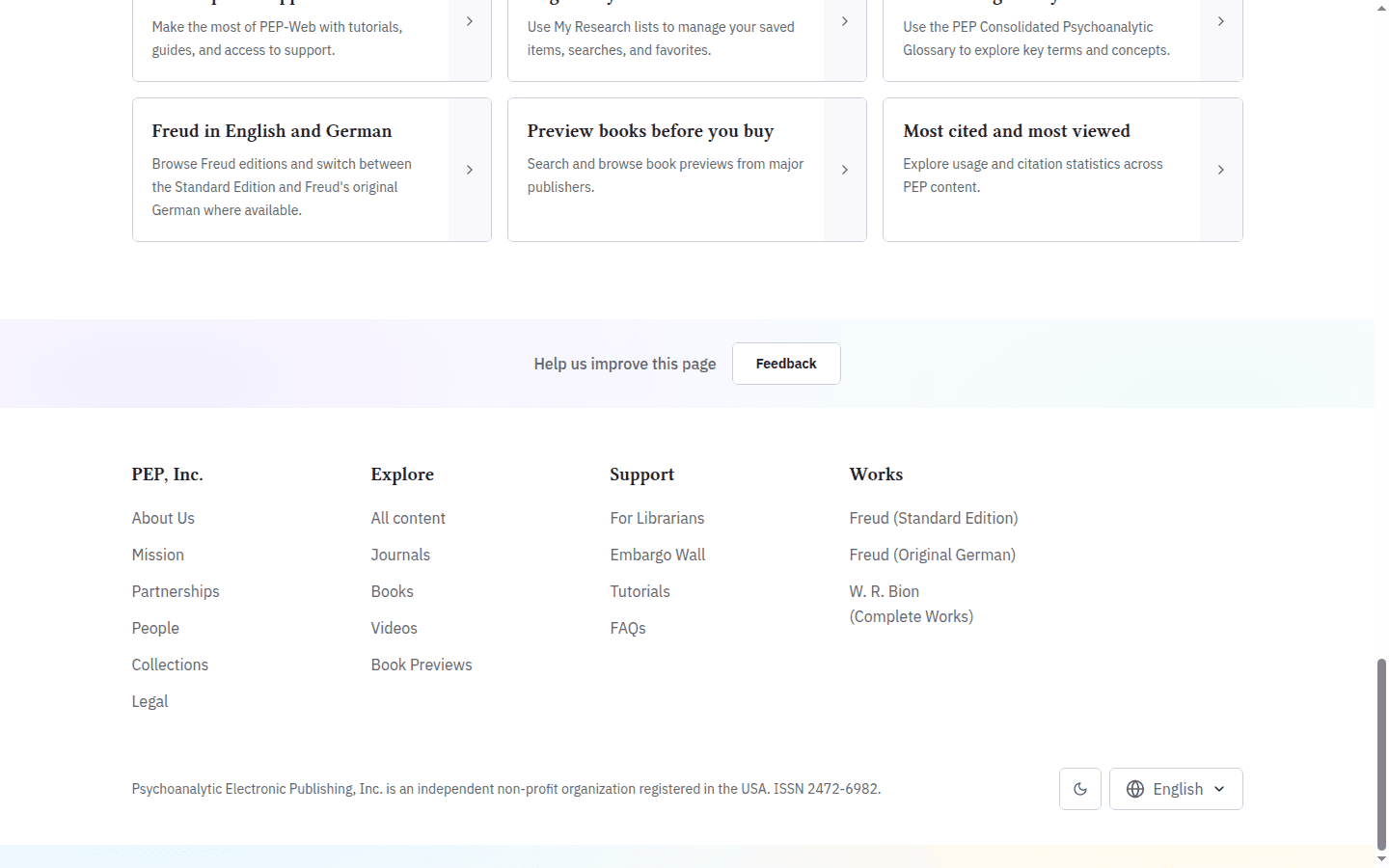
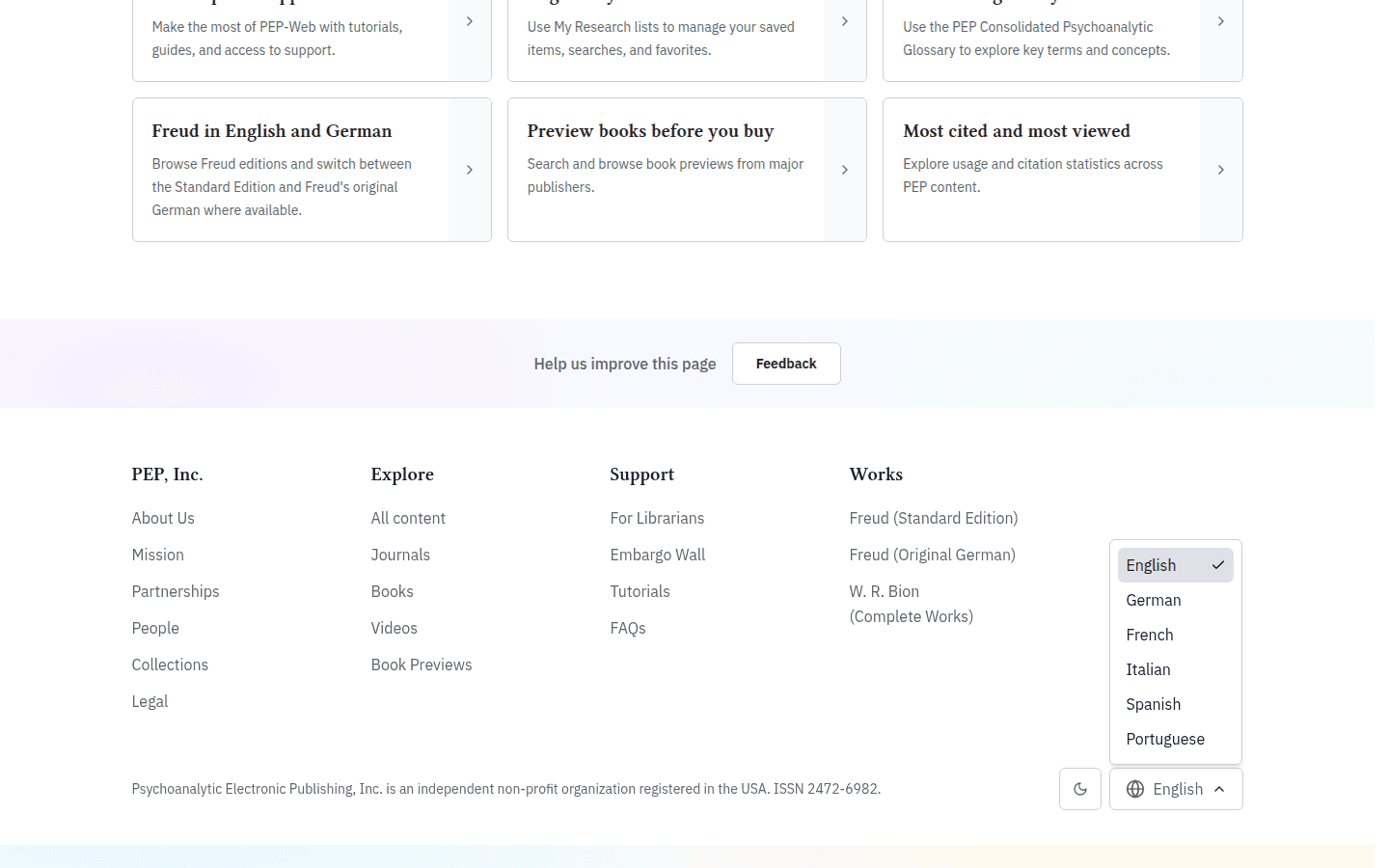
Use Toggle theme beside the language selector to move between light and dark themes. The choice changes the site’s colours but not its content or features.
Next steps
You can now search from the home page, browse through Explore and find your account and support tools. Continue with Searching the PEP Archive for a guided search, or use Exploring Journals, Books, Videos and Previews when you would rather browse. If you are signed in, My Research: Saving and Organising Articles explains how to build a reading list. For assistance at any point, open Help, Support and Feedback.